


Description
- High-concerned chemical: None
- Is Smart Device: Yes
- Origin: Mainland China
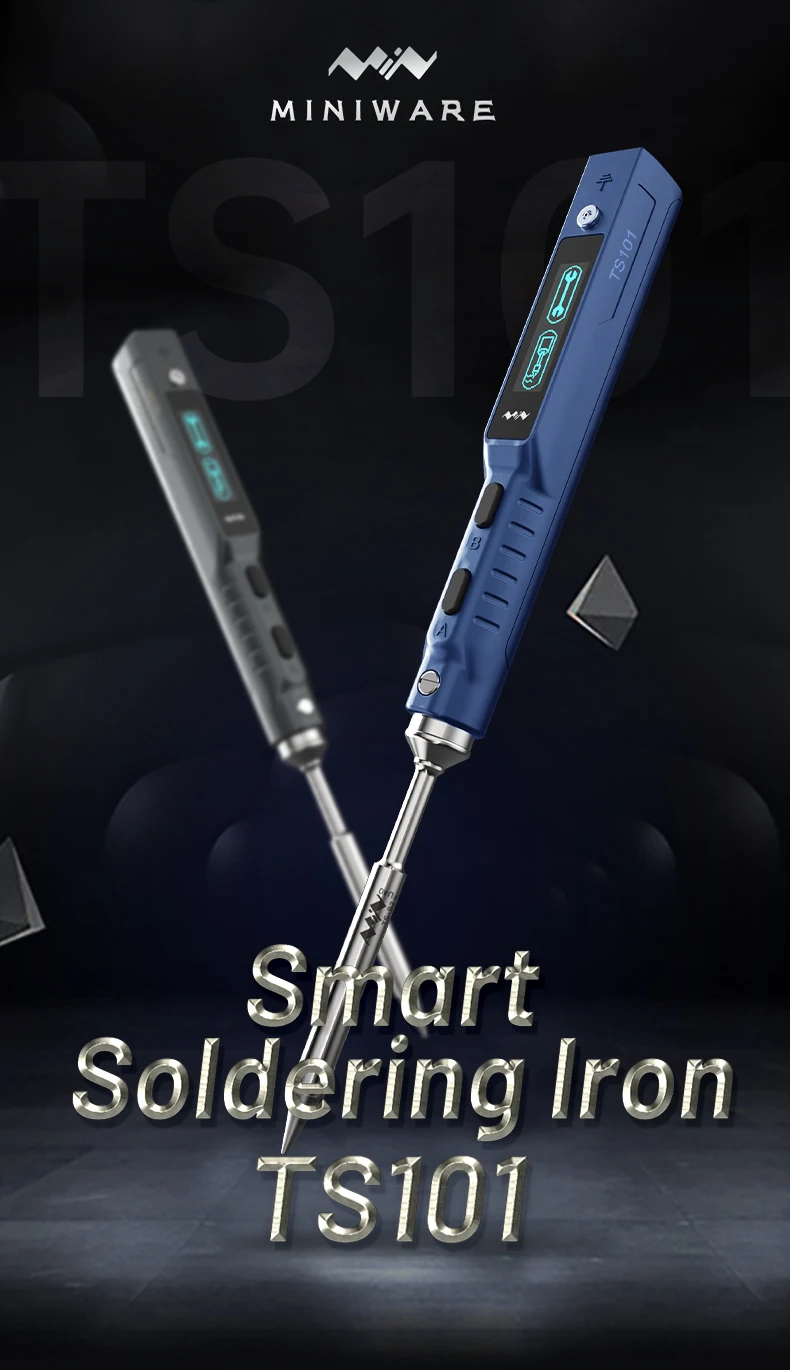
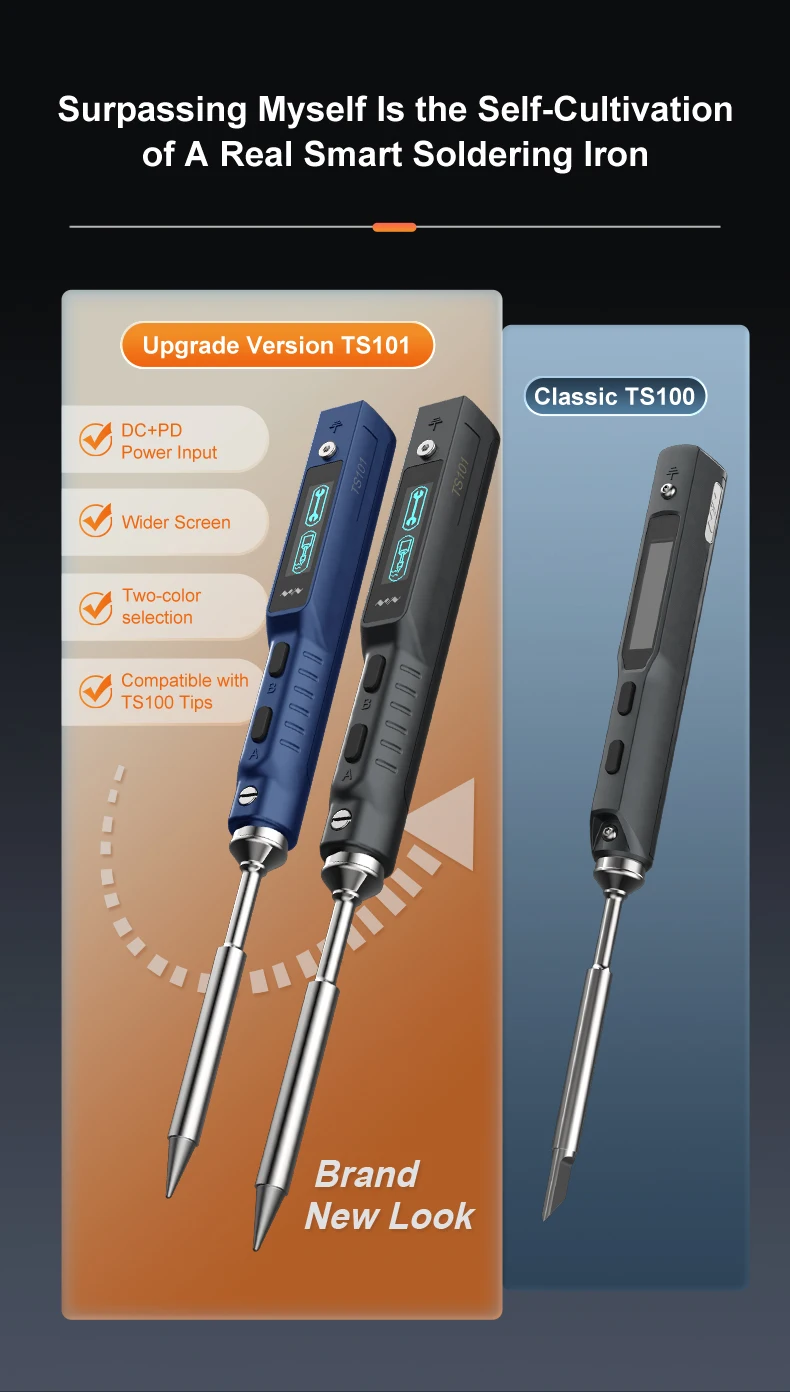
- Model Number: TS101
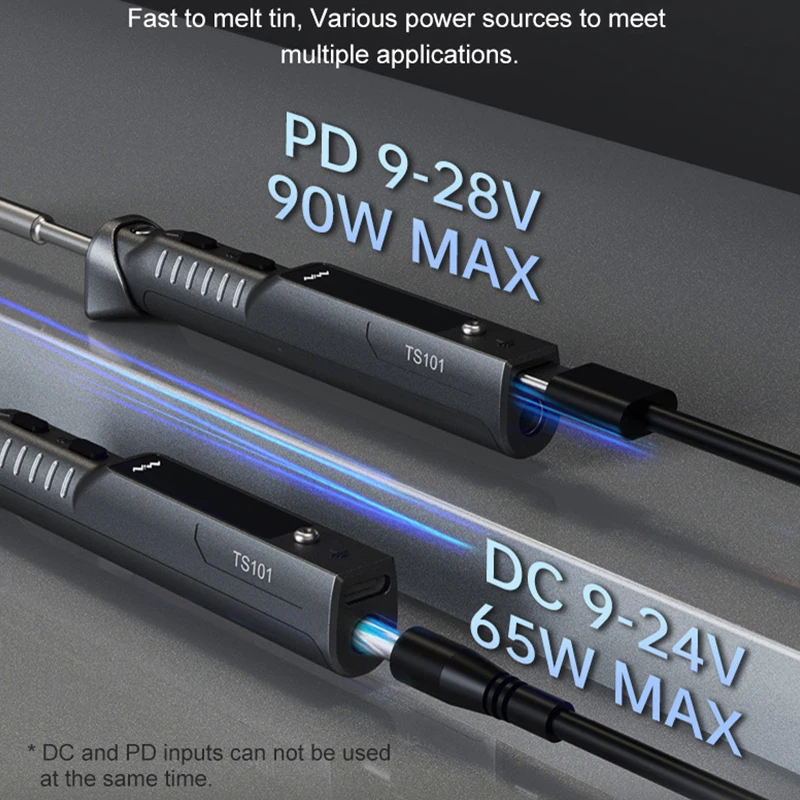
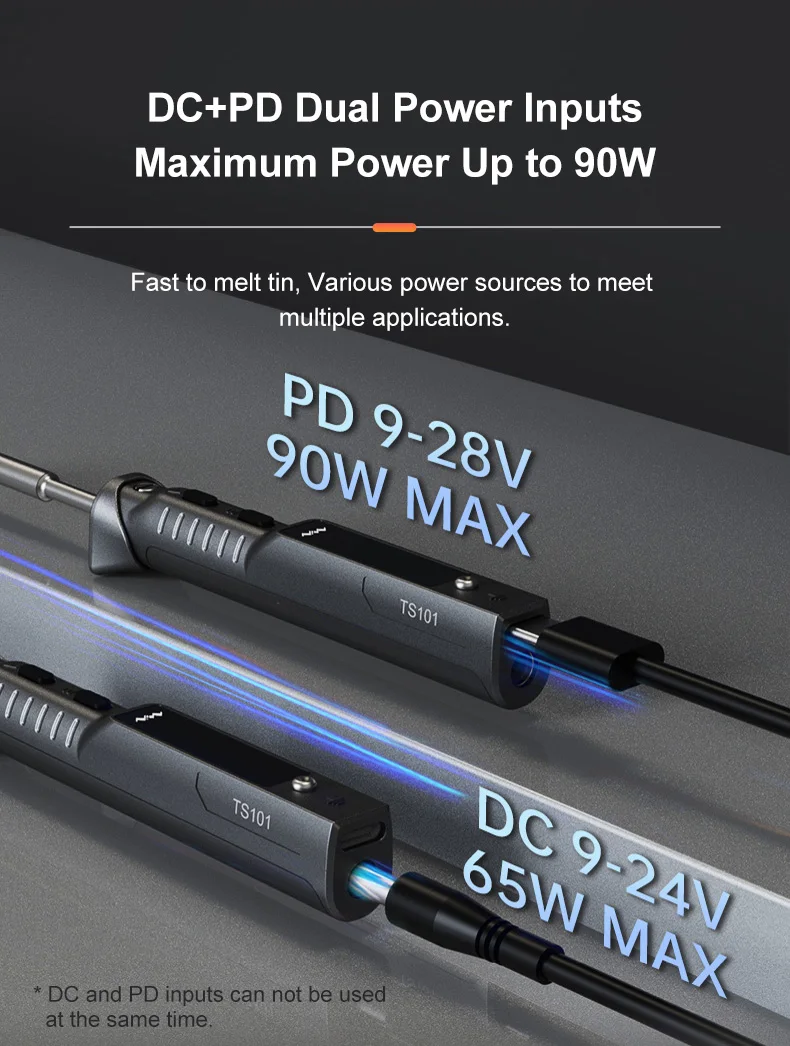
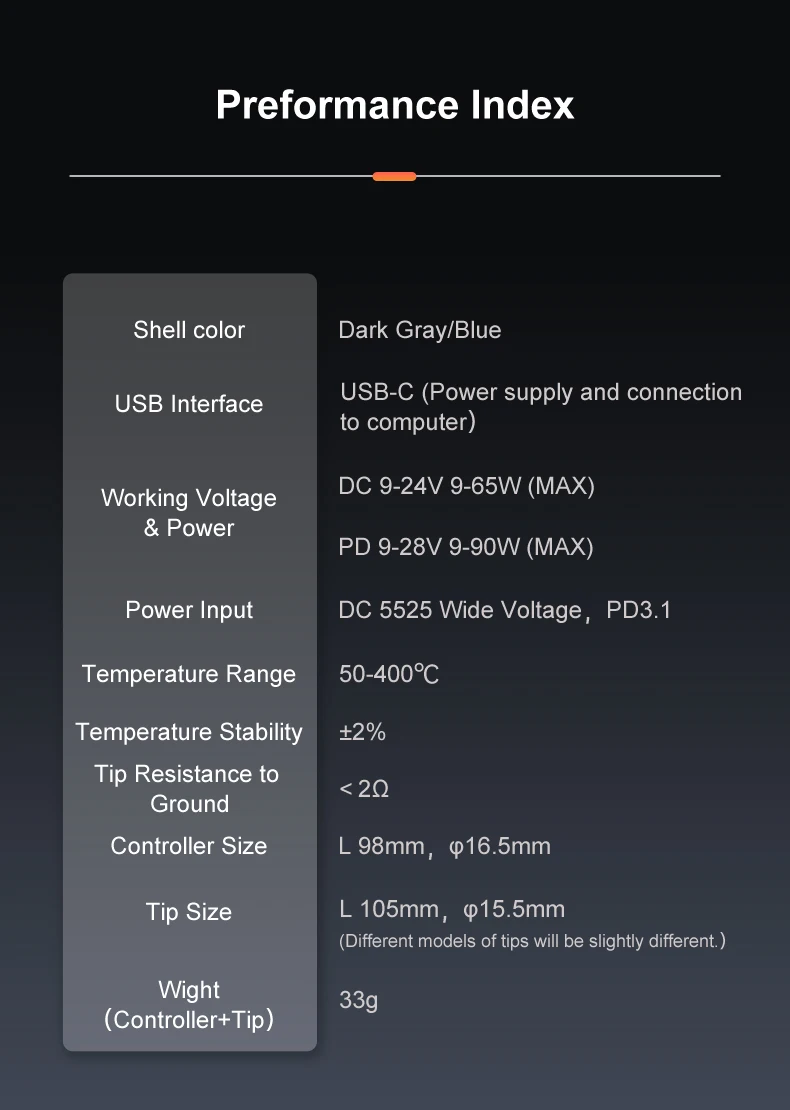
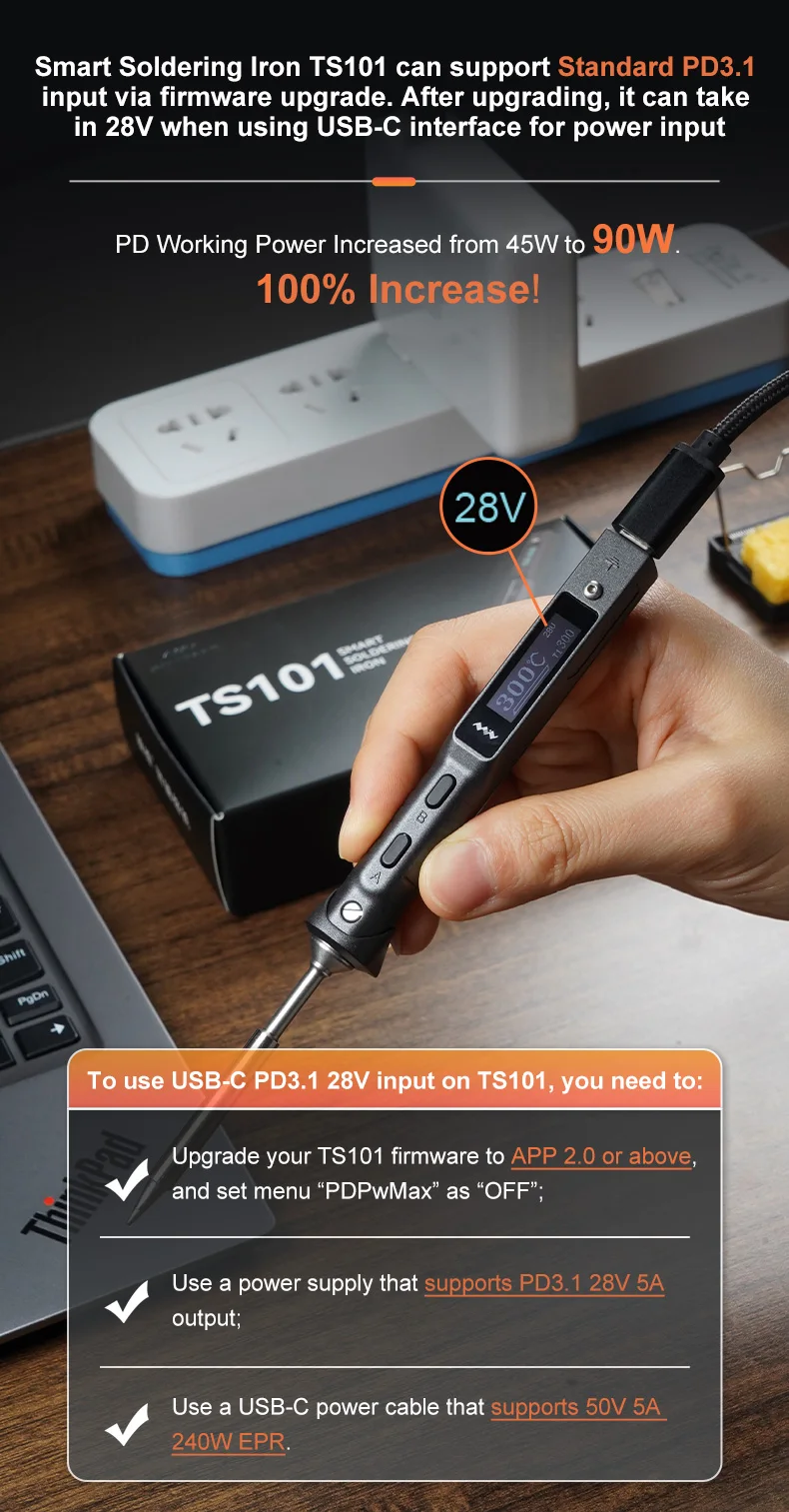
- Output Power: 90W
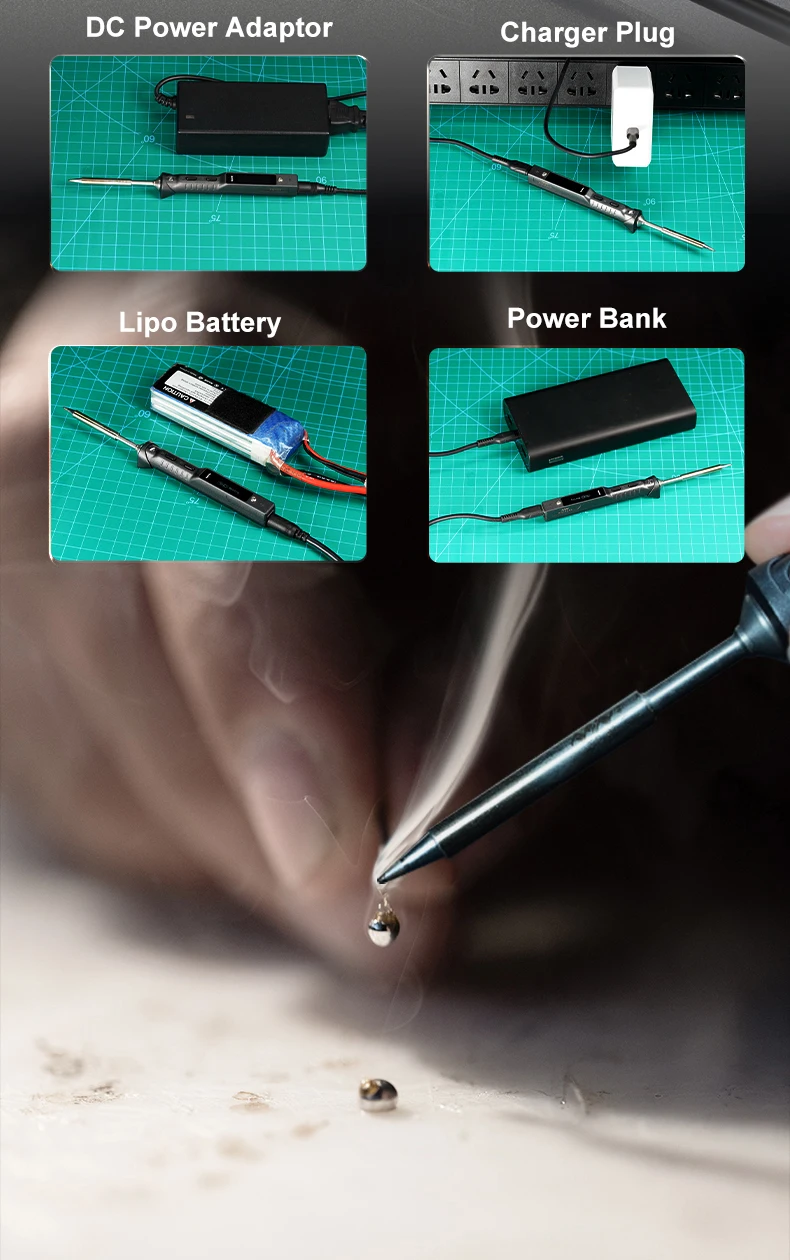
- Input Voltagle: DC:9V~24V
- Output Temperature: 50℃~400℃
- Brand Name: MINIWARE
- Temperature Stability: ±3%
- Certification: CE
-
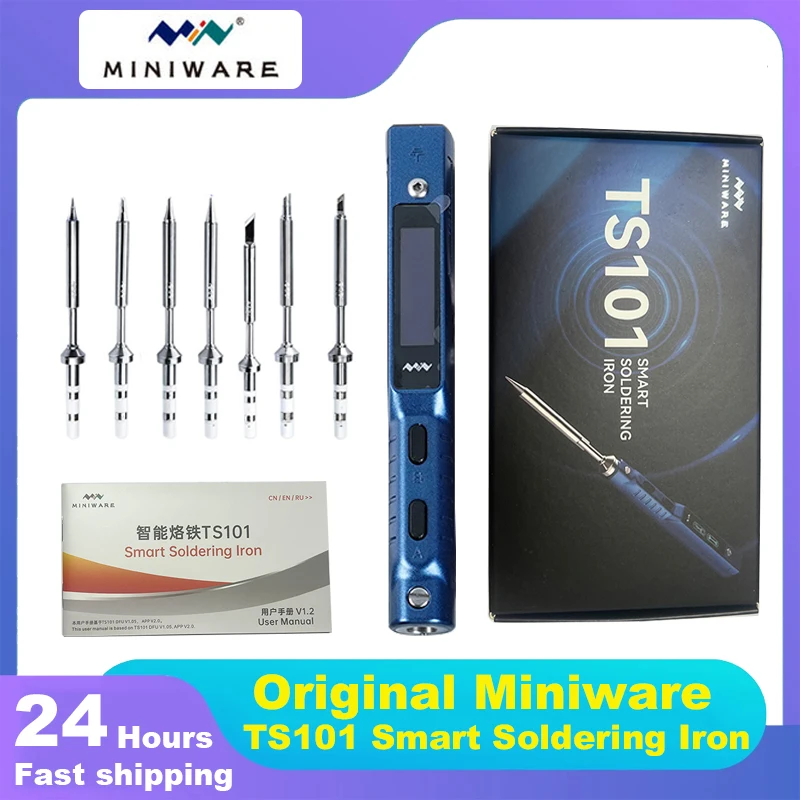
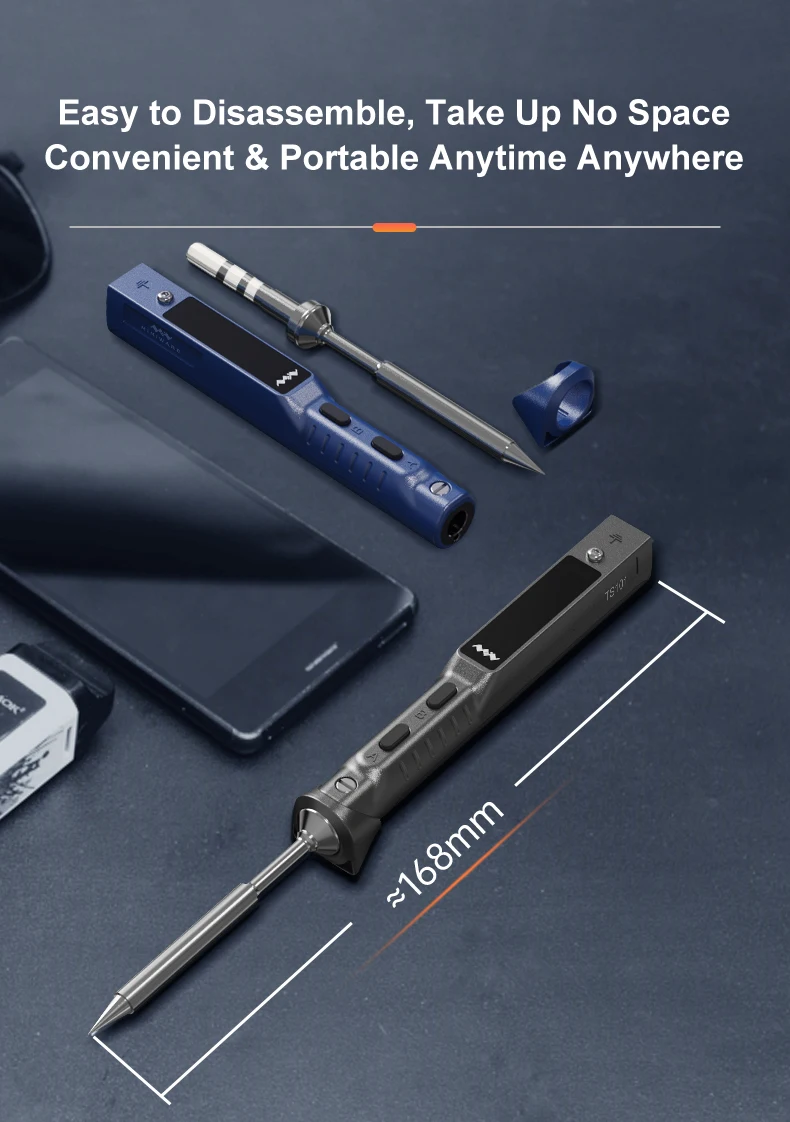
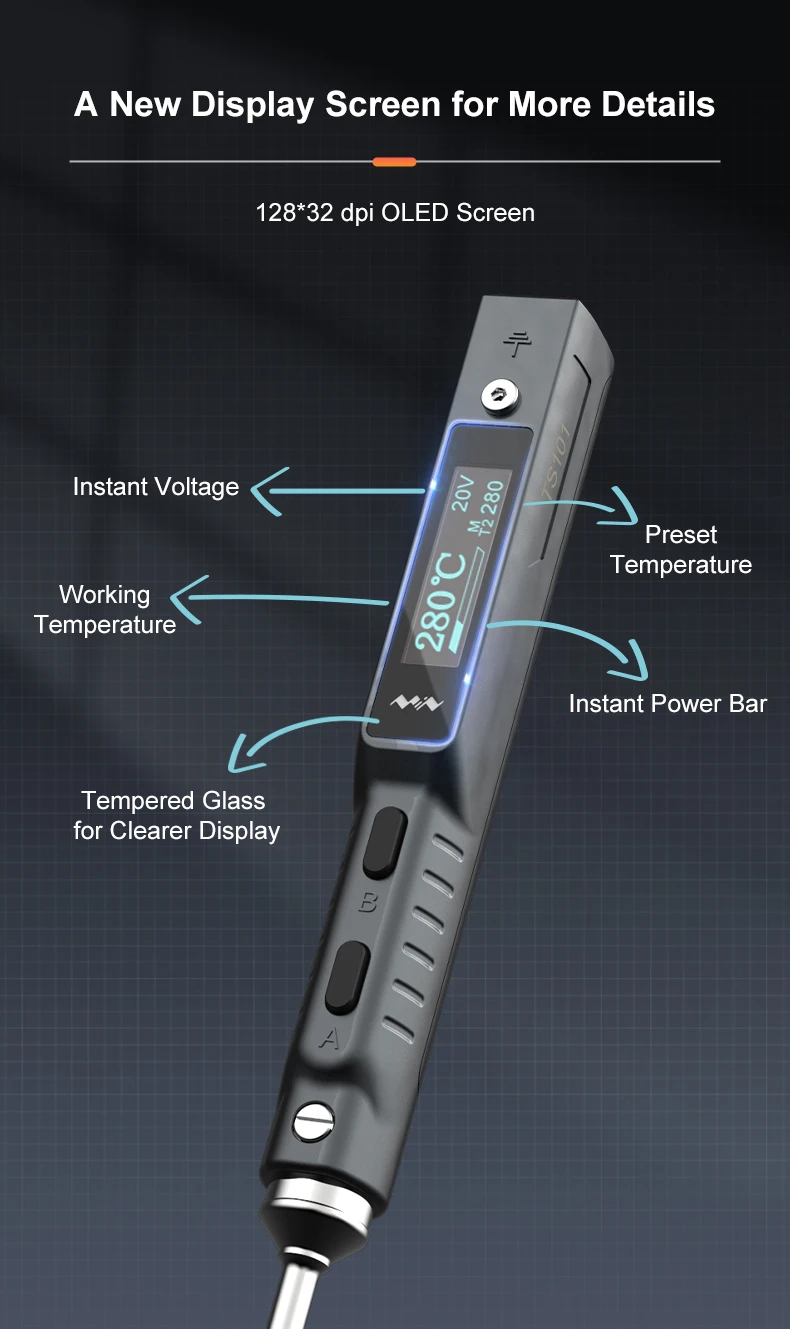
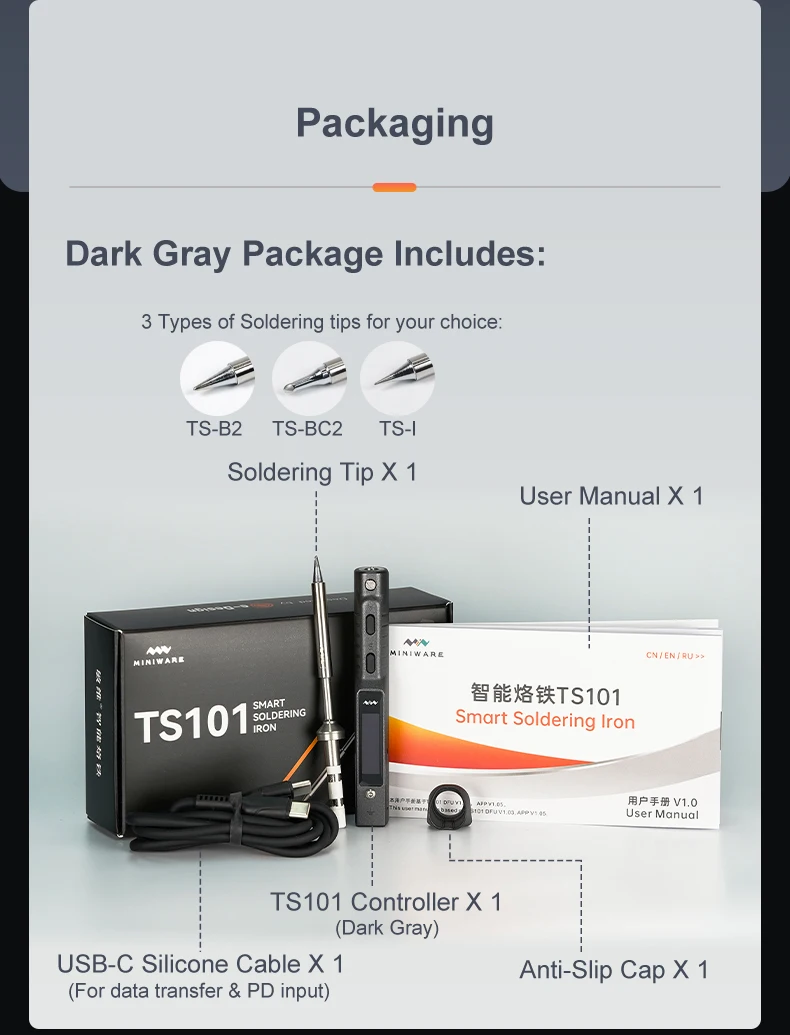
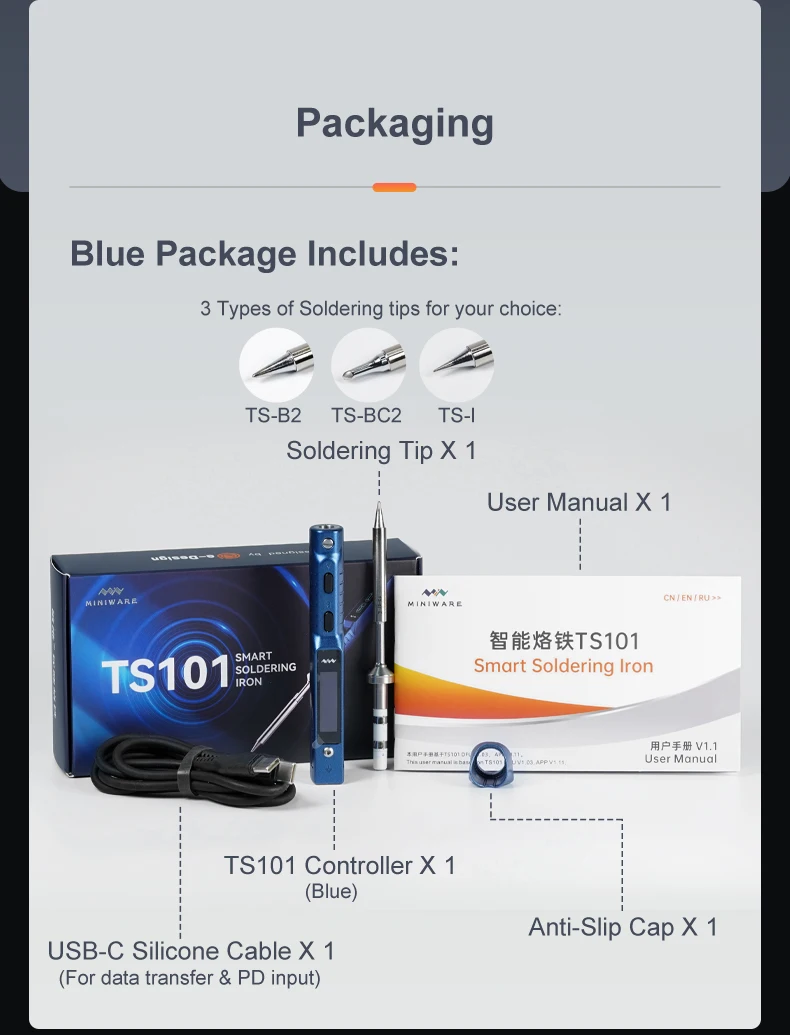
Soldering Tip Heating End
-
Soldering Tip Connection End
-
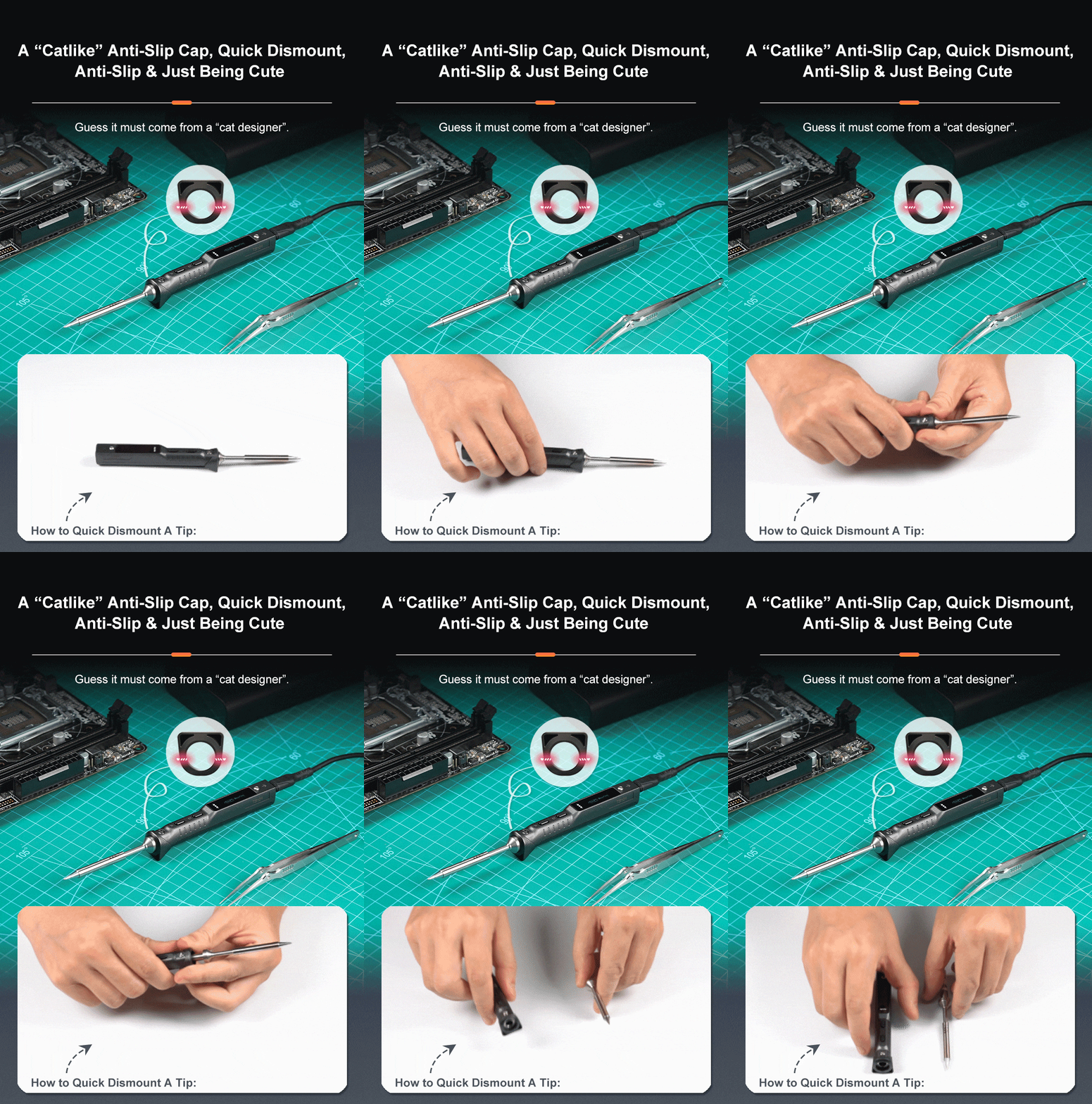
Anti-slip Cap
-
Soldering Tip Insertion End
-
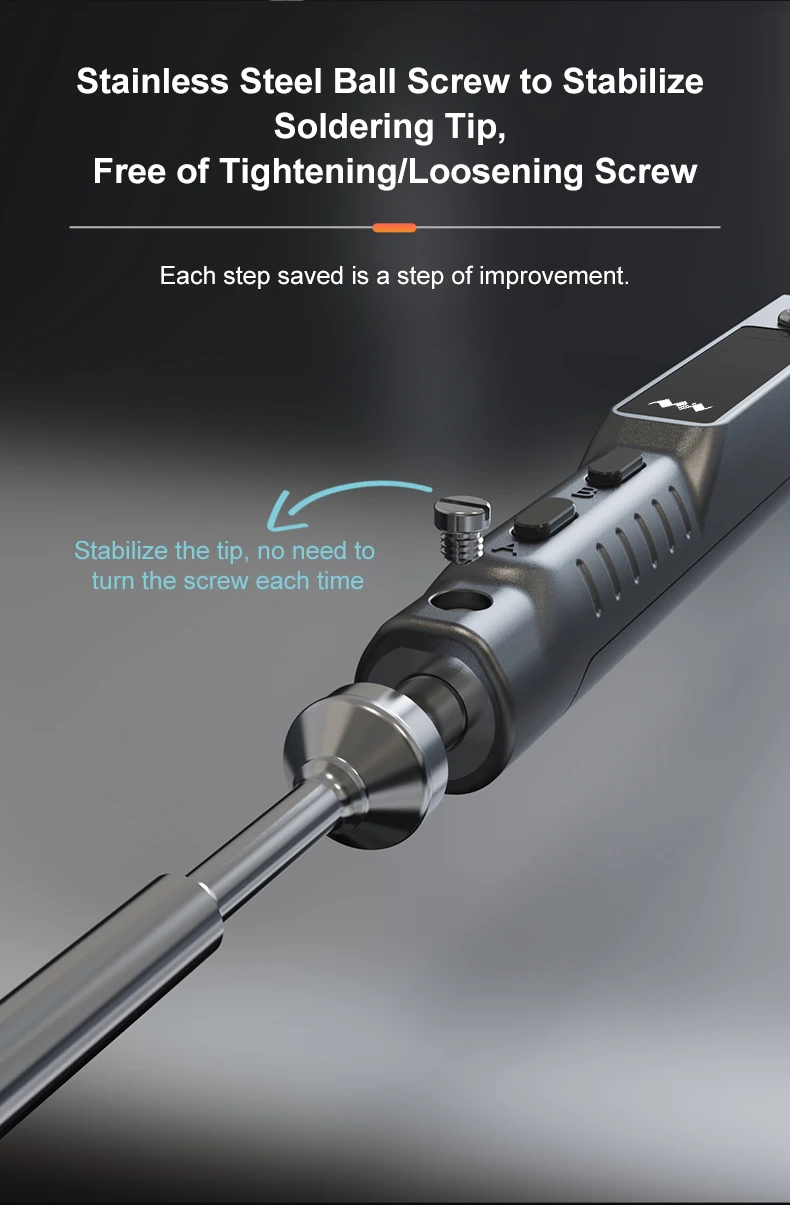
Ball screw
-
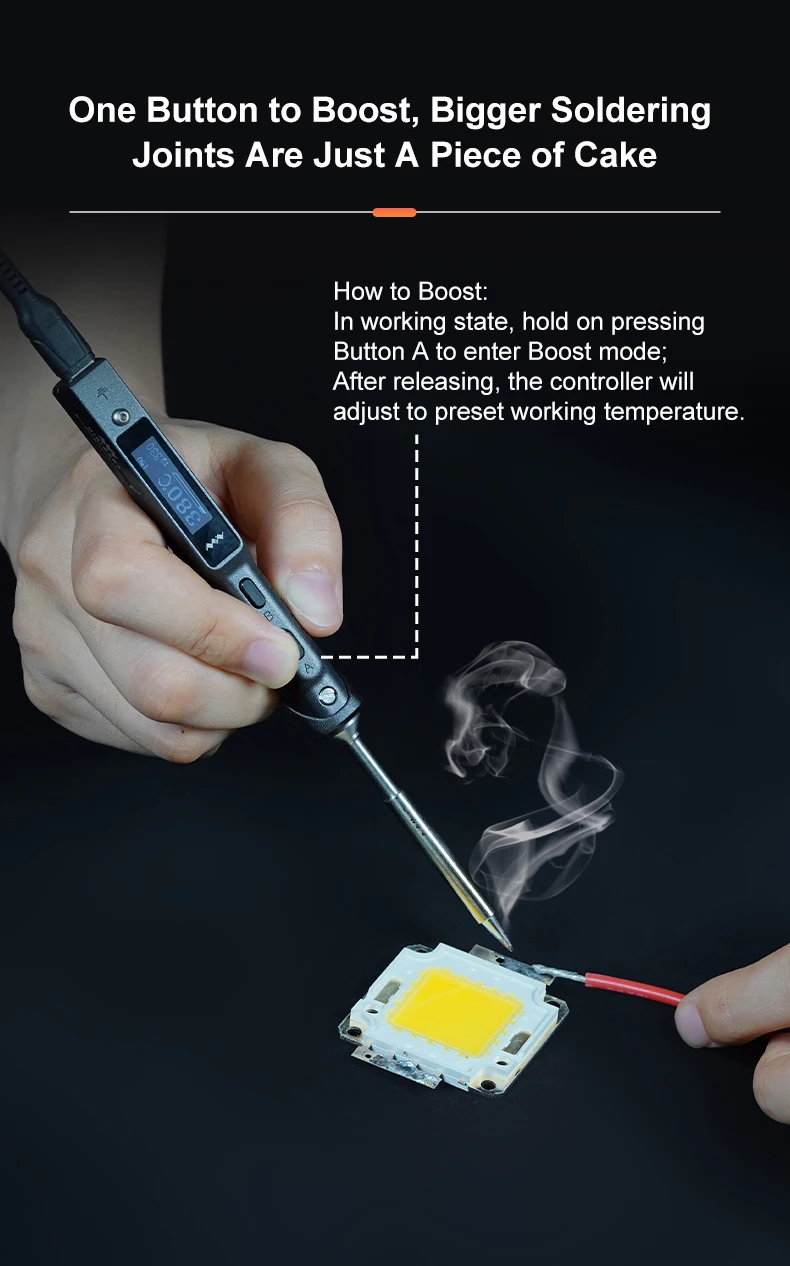
Button A (heating, temperature adjustment)
-
Button B (setting, temperature adjustment)
-
OLED Screen
-
Ground Screw
-
USB TYPE-C interface
-
DC5525 interface
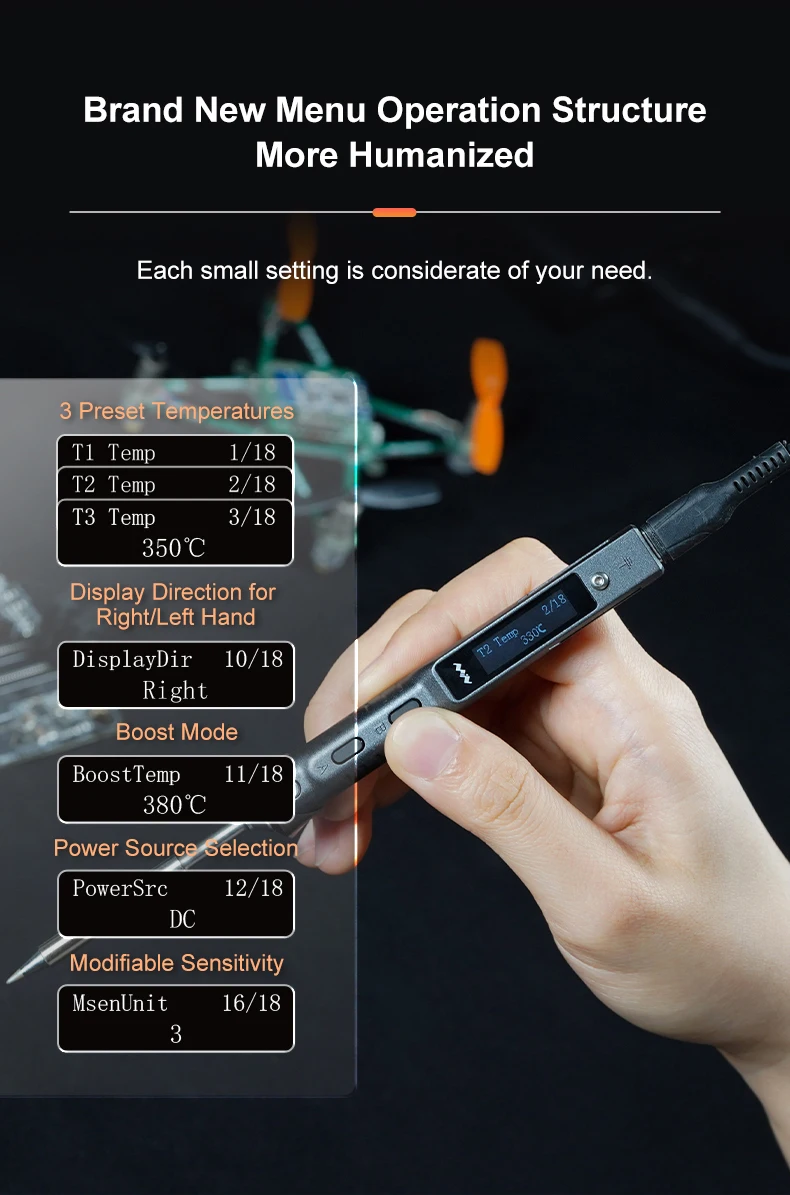
1)In standby mode, press B to enter setting mode;
2) ln setting mode, press A/B to select the seting item that needs to be modified, long press A to enter the modification statepress A/B to select the appropriate setting value and wait for 5 seconds after selection, the parameter is successfully modified and will automatically return to setting mode. Other settings can be modified in the same way;
3) After the setting is completed, long press B to save the modification and return to standby mode;
4)ln standby state, long press A, TS101 screen will display the current internal resistance of the soldering tip as "Tip R:xx"
5) ln standby state, long press B, TS101 screen will display the current firmware version as "Ver:V1.xx".
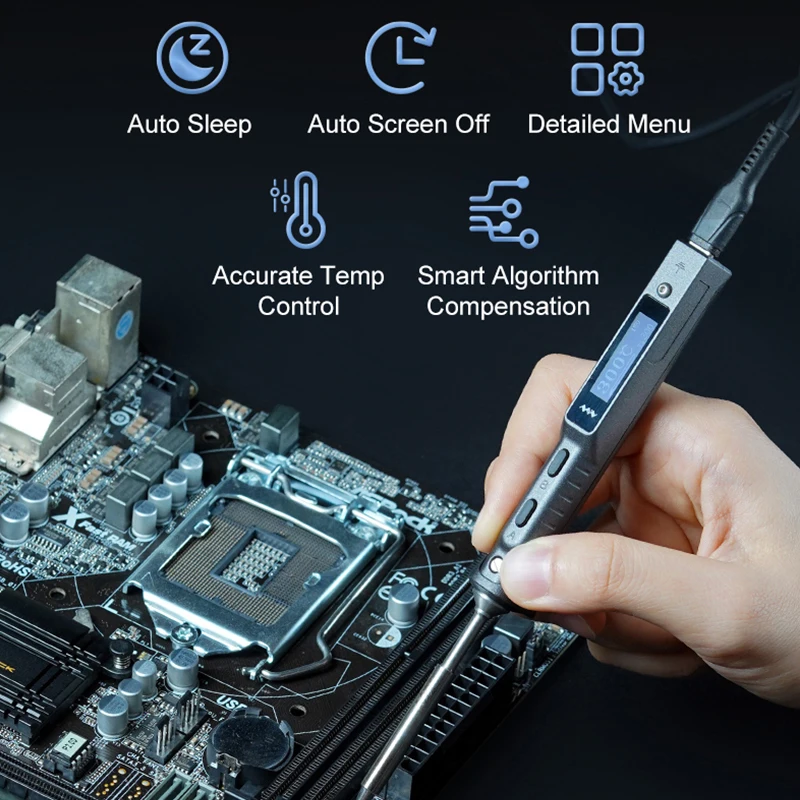
Note: ln standby state, TS101 will enter the off screen state if it stay stil for a long time. You can wake it up by shaking thecontroller to enter standbv state

Reviews
There are no reviews yet.